How to Monitor Email Deliverability: What to Check and How Often
Email deliverability monitoring means checking, on a regular schedule, whether your email is reaching the inbox and whether the signals mailbox providers use to judge you are healthy. The goal is to catch a problem while it is small, before open rates fall or replies stop.
This guide covers the signals worth watching, how often to check each one, the thresholds Gmail, Yahoo and Microsoft publish, a weekly routine you can run yourself, and when it makes sense to hand monitoring to someone else.
Why deliverability needs monitoring
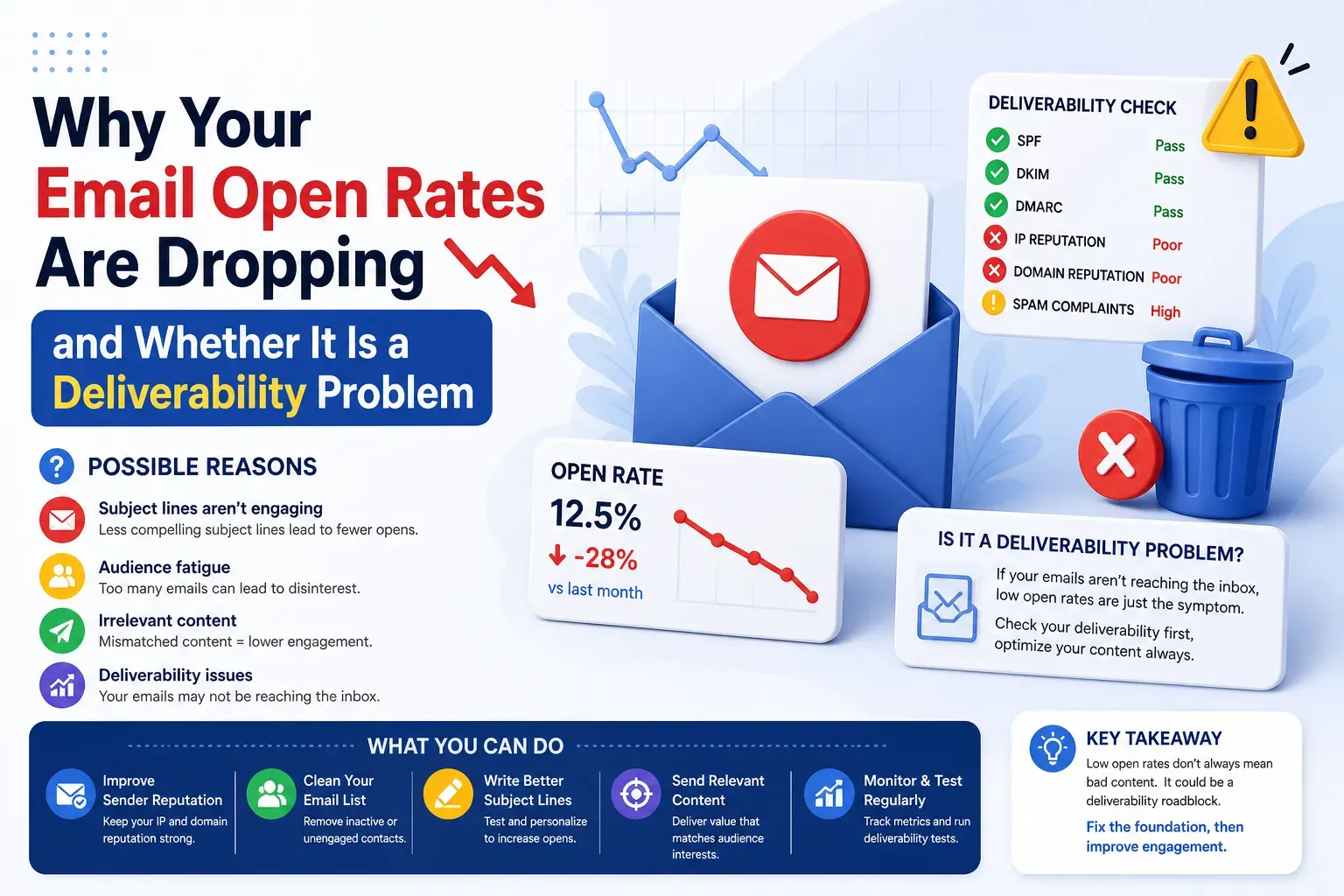
Deliverability is not something you set up once. Your reputation moves every time you send. Filters change, lists age, a new tool gets added to your DNS without anyone updating SPF, or a cold campaign picks up complaints. None of this shows up in your email platform's "delivered" number, which only tells you the receiving server accepted the message, not that it reached the inbox.
Most teams find out about a deliverability problem weeks after it started. Monitoring shortens that gap.
The signals to watch
1. Inbox placement
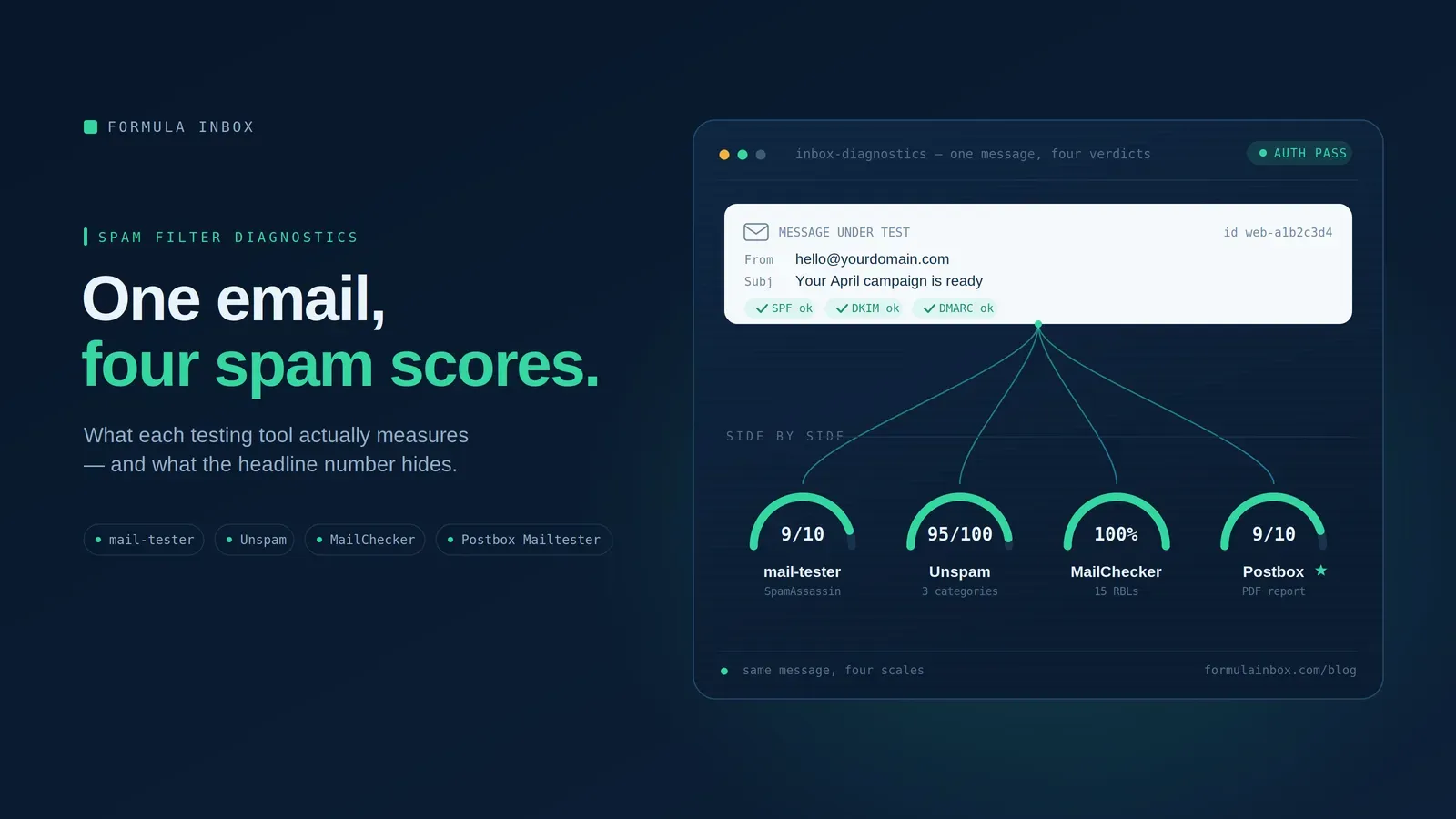
Placement tells you where your mail actually lands: inbox, spam, or a tab like Promotions. You measure it by sending a message to a set of test inboxes (called seed inboxes) at the major providers and checking where each copy ends up.
Check placement by provider. A problem at Microsoft rarely looks like a problem at Gmail, and an average across providers can hide one that is failing. If you send to businesses, include Microsoft 365 and Google Workspace, not just consumer Gmail and Outlook.com.
2. Gmail data in Google Postmaster Tools
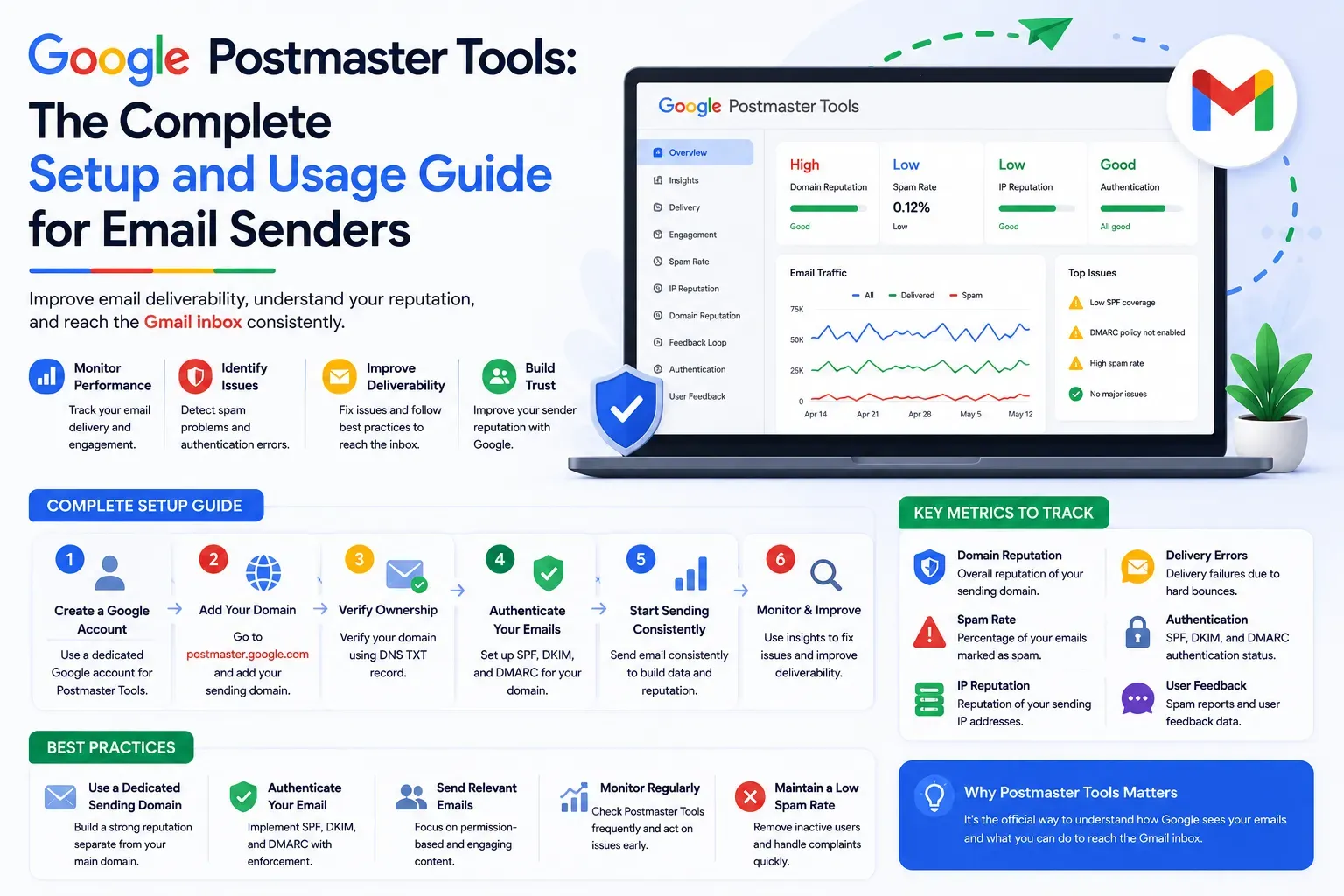
Google Postmaster Tools is Gmail's free dashboard for senders. It shows data only for mail sent to personal Gmail addresses, and only once you send enough volume. Two dashboards matter most:
- Spam rate: the share of your delivered mail that Gmail users mark as spam
- Compliance status: whether your mail meets Gmail's sender requirements, such as authentication and one-click unsubscribe
Older guides tell you to watch Postmaster's Domain Reputation and IP Reputation ratings. Our Postmaster Tools guide explains what changed in the current version. Google notes that Postmaster data is usually updated within 24 hours, and that a fix can take up to 7 days to show up.
3. Microsoft SNDS
Microsoft SNDS (Smart Network Data Services) shows how Outlook.com and Hotmail see the IP addresses you send from. You sign in with a Microsoft account and request access to the IPs you are responsible for.
SNDS works by IP, not by domain. If you send through a shared IP pool at an email platform, you usually cannot see that data yourself, and placement testing at Outlook becomes your main signal.
4. Yahoo Sender Hub
Yahoo Sender Hub is where you sign up for Yahoo's Complaint Feedback Loop. Once your mail is signed with DKIM, the feedback loop sends you a report each time a Yahoo user marks your message as spam. Yahoo recommends using it to monitor your complaint rate and to remove people who complain.
5. Spam complaint rate
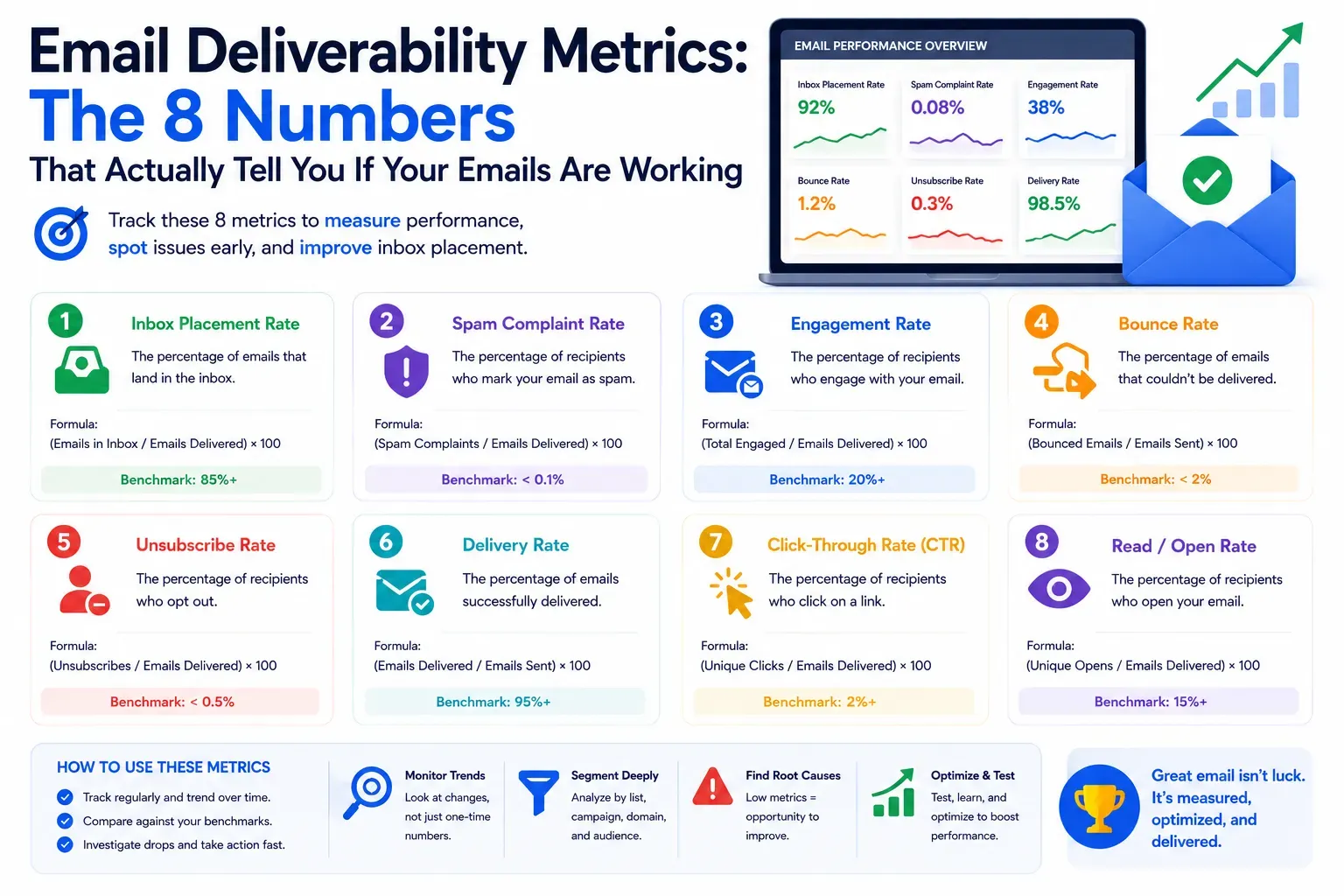
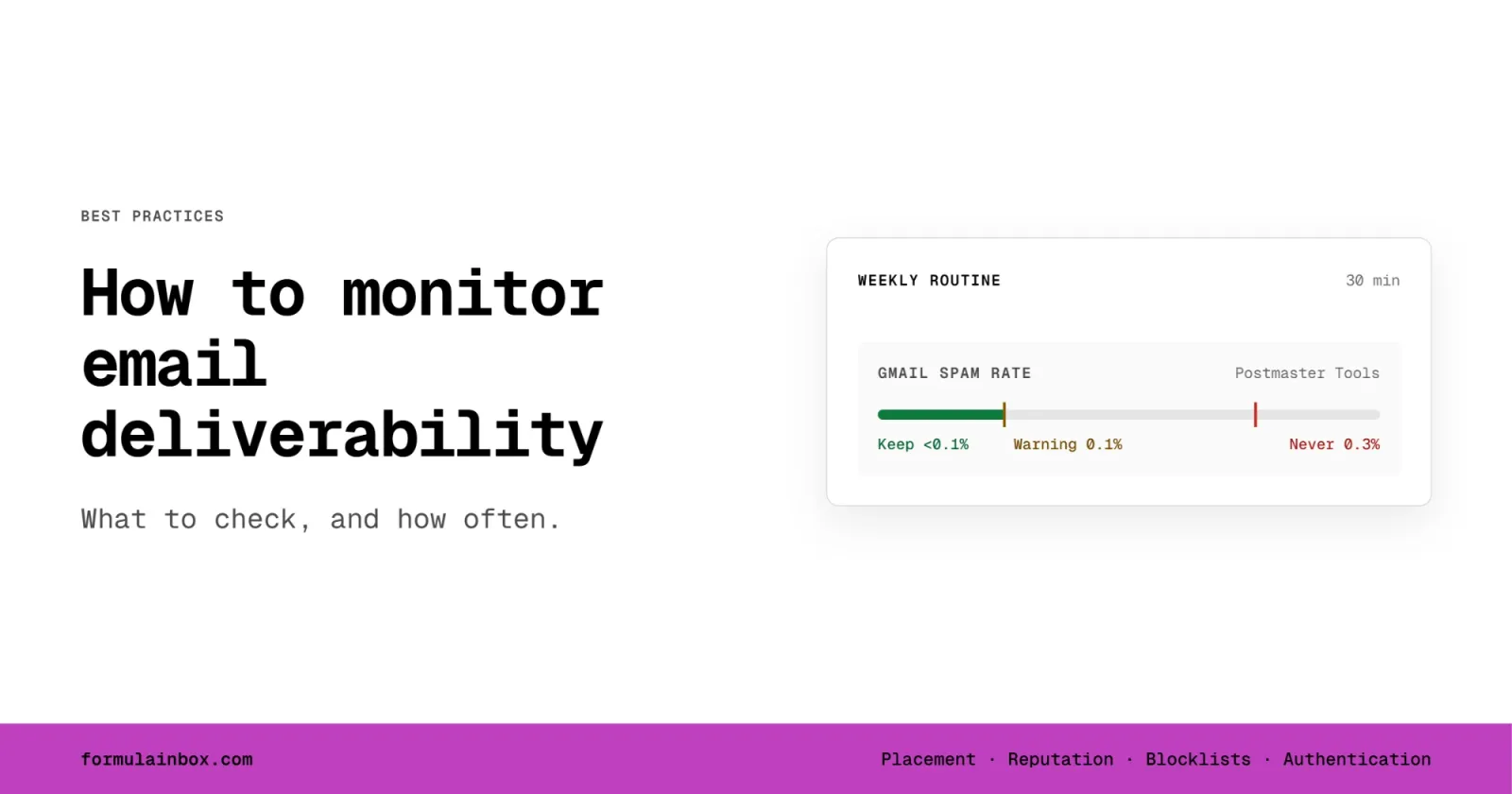
Your complaint rate is the share of recipients who mark your email as spam. It is the single number mailbox providers are clearest about. Google asks senders to keep it below 0.1% and never let it reach 0.3%. Yahoo asks bulk senders to stay below 0.3%.
Your email platform may show a complaint rate, but providers calculate theirs on mail delivered to the inbox, so the numbers will not match exactly. Treat Postmaster Tools and the Yahoo feedback loop as the source of truth for those providers.
6. Blocklists
A blocklist (also called a blacklist) is a list of domains and IPs that some receiving servers use to filter or reject mail. Check your sending domains and IPs against the major lists. Not every listing affects delivery, so focus on the ones your recipients' servers actually use. Our guide to email blacklists explains which lists matter and how to get off one.
7. SPF, DKIM, DMARC and DMARC reports
Authentication can break without anyone noticing. Someone adds a new tool that sends email, a DNS record is edited during a website move, or a DKIM key is rotated at your platform. Recheck your SPF, DKIM and DMARC records whenever your setup changes.
DMARC also gives you a monitoring feed for free. When your DMARC record includes a reporting address (the rua tag), providers send you daily aggregate reports listing every server that sent mail using your domain and whether it passed. These reports show you a sending tool you forgot about, or someone spoofing your domain. The raw reports are XML files, so most teams use a DMARC report tool to read them. See what DMARC is and how it works.
8. Bounces and engagement
Bounces tell you about list quality. A rising hard bounce rate usually means old or unverified addresses are getting into your list. Our guide on how to calculate bounce rate covers the formulas and the difference between delivery and inbox placement. Engagement, such as clicks and replies, tells you whether recipients want your mail, which providers weigh heavily. Open rates are less reliable than they used to be because of privacy features that open messages automatically. Our guide to the deliverability metrics worth tracking covers healthy ranges for each.
9. Warming health for cold outbound
If you send cold outbound from secondary domains and mailboxes, each one needs its own check. Watch placement per mailbox, not just per campaign, and look for mailboxes whose placement drops while others stay healthy. New domains and mailboxes need a gradual ramp before they carry full volume. See how to warm email the right way.
The thresholds providers publish
Gmail, Yahoo and Microsoft each publish rules for senders. These are the numbers to monitor against:
- Spam complaint rate: Gmail asks senders to keep it below 0.1% and to avoid ever reaching 0.3% (Google's sender guidelines). Yahoo asks bulk senders to keep it below 0.3% (Yahoo's sender best practices).
- Authentication: Gmail and Yahoo require SPF, DKIM and DMARC from bulk senders. Gmail's rules apply to senders of more than 5,000 messages a day to Gmail accounts. Microsoft requires all three from domains that send more than 5,000 emails a day to Outlook.com, Hotmail and Live addresses.
- One-click unsubscribe: Gmail and Yahoo require marketing and subscribed messages to support one-click unsubscribe. Yahoo says to honor unsubscribe requests within 2 days.
How often to check each signal
| Signal | How often | Where to check |
|---|---|---|
| Inbox placement | Weekly, and before any large send | Seed inbox placement test |
| Gmail spam rate and compliance | Weekly | Google Postmaster Tools |
| Microsoft IP data | Weekly, if you have your own IPs | Microsoft SNDS |
| Yahoo complaints | As reports arrive | Yahoo Complaint Feedback Loop |
| Blocklists | Weekly, and right away if bounces spike | Blocklist checker |
| SPF, DKIM, DMARC records | Monthly, and after any DNS or platform change | DNS lookup tool |
| DMARC aggregate reports | Weekly | DMARC report tool |
| Bounces and engagement | After every campaign | Your email platform or sequencer |
| Cold mailbox placement | Weekly, per mailbox | Placement test or warming tool |
If you send high volume or email drives most of your revenue, check spam rate and placement daily.
A simple weekly monitoring routine
Set aside 30 minutes once a week, on the same day each week, and work through this list:
- Open Google Postmaster Tools and note your spam rate and compliance status for each sending domain
- Check SNDS if you send from your own IPs
- Review any Yahoo feedback loop reports and remove anyone who complained
- Run your sending domains and IPs through a blocklist checker
- Send a placement test to seed inboxes at Gmail, Outlook, Yahoo and Microsoft 365
- Skim your DMARC report tool for new or failing senders
- Compare bounce, click and reply rates against the previous four weeks
- Write the numbers down in one place, so you can spot a trend rather than a single bad day
The last step matters most. One week of numbers tells you very little. Six weeks of numbers in a spreadsheet tells you when something started to slip, which usually points to what caused it.
Free tools, paid tools, or a managed service
Free tools cover most of the raw data: Postmaster Tools, SNDS, the Yahoo feedback loop, public blocklist checkers and DNS lookups. The cost is your time, and the data lives in separate places.
Paid tools pull those signals into one dashboard and add things the free tools cannot do, such as seed-based placement testing, DMARC report parsing and alerts when a number crosses a threshold. They tell you that something changed. Most will not tell you why, or what to fix first. Our comparison of consultants and deliverability software covers where tools stop helping.
A managed service means someone else watches the signals, interprets them and makes the fixes. You pay more, but you get a person who knows what a drop at Microsoft with steady Gmail numbers usually means, and who acts on it.
For a quick check of where you stand today, the free deliverability assessment runs a live placement test and checks your authentication and blacklist status in a few minutes.
When to hand monitoring off
Running the weekly routine yourself works well for a single sending program with stable volume. Consider handing it off when:
- You send from several domains or platforms, or run cold outbound across many mailboxes
- Nobody on the team owns deliverability, so the weekly check keeps getting skipped
- You see numbers changing but are not sure what they mean or what to fix first
- Email drives enough revenue that a few weeks of lower placement costs more than the help
Formula Inbox offers email deliverability monitoring and support, covering placement, reputation, blocklists, authentication changes and warming health across your sending domains, with fixes handled on a set schedule. If something is already wrong, start with an email deliverability audit to find the cause.
Frequently Asked Questions
What is email deliverability monitoring?
It is the regular checking of inbox placement and the signals mailbox providers use to judge your mail, such as spam complaint rate, blocklist status and authentication. The goal is to spot problems early, before they affect opens, clicks and replies.
How often should I check my email deliverability?
Weekly is a good baseline for most senders. Check before any large send, after any change to your DNS or email platform, and daily if you send high volume or email drives most of your revenue.
Can I monitor email deliverability for free?
Yes. Google Postmaster Tools, Microsoft SNDS, the Yahoo Complaint Feedback Loop, public blocklist checkers and DNS lookup tools are all free. What they do not give you is seed-based inbox placement testing or a single view across providers, which is where paid tools and managed services come in.
What spam complaint rate is too high?
Google asks senders to stay below 0.1% and never reach 0.3%. Yahoo asks bulk senders to stay below 0.3%. If you are approaching 0.1% at Gmail, treat it as a warning and find out what changed.