Bounce rate is the number of bounced emails divided by the number of emails sent, times 100. Inbox placement rate is the number of emails that reached the inbox divided by the number of emails delivered, times 100. Track both, plus your Gmail spam rate in Google Postmaster Tools, because each one catches a problem the others miss.
Bounce rate tells you whether receiving servers accept your mail. Inbox placement tells you where the accepted mail ends up. This guide covers how to calculate each one, why the numbers differ, and where the data comes from. If you are new to the subject, start with what email deliverability is and how it works.
Bounce rate: the formula and what counts
Bounce rate = (hard bounces + soft bounces) ÷ emails sent × 100
The denominator is emails sent: every message you attempted to deliver in that campaign or period. A bounce is a message the receiving server refused and reported back to you as undeliverable.
Some sending platforms calculate bounce rate differently. One might count only hard bounces, another might divide by a different total. Check your platform's definition before you compare its number with another tool or with an older export.
It helps to track hard and soft bounces as two separate rates, with the same denominator:
- Hard bounce rate = hard bounces ÷ emails sent × 100
- Soft bounce rate = soft bounces ÷ emails sent × 100
A single combined number can hide a change in one type. Splitting them shows which kind of failure is moving.
Hard bounces (SMTP 5xx)
A hard bounce is a permanent failure. The receiving server answers with an SMTP reply code in the 5xx range, which means it will not accept the message as sent. An address that does not exist is the classic case.
Remove addresses that hard bounce because the address itself is invalid. Sending to them again will not produce a different result, and it keeps the failures in your numbers.
Not every 5xx rejection is an address problem, so read the text of the bounce message as well as the code. If it says the server rejected your mail because of your sending reputation, your authentication or a block, the address may be fine and deleting it will not fix the cause. If a rejection points to a blocklist listing, that is a separate job from list cleaning, and our guide to getting off an email blocklist covers the steps.
Soft bounces (SMTP 4xx)
A soft bounce is a temporary failure. The receiving server answers with an SMTP reply code in the 4xx range, which means "not now" rather than "never." A full mailbox or a server that is limiting incoming mail for a while are typical examples.
Because the failure is temporary, a later attempt may succeed. The addresses to watch are the ones that soft bounce on send after send. Decide on a rule for those, and check whether your platform already applies one.
Delivery rate vs inbox placement rate
These two numbers sound alike and are often confused. They measure different stages of the same journey.
Delivery rate = (emails sent - bounces) ÷ emails sent × 100
The denominator is emails sent. Delivery rate tells you what share of your mail the receiving servers accepted.
Inbox placement rate = emails that reached the inbox ÷ emails delivered × 100
The denominator here is emails delivered, not emails sent. Some reports divide by emails sent instead, which gives a lower number for the same result. Check which one a report uses before you compare it with anything else.
Why the two numbers differ
A message counts as delivered once the receiving server accepts it. Where it goes after that, inbox or spam folder, is up to the mailbox provider's filtering. A message that lands in spam was still accepted, so it does not show up as a bounce.
That means a sender can see a high delivery rate while a real share of the mail goes to spam. Delivery rate shows that mail got through the door. It does not show which room it ended up in.
How seed tests estimate placement
Mailbox providers do not report inbox placement for each campaign. To estimate it, senders use seed tests. You include a set of test mailboxes at different providers in your send, then check whether each copy landed in the inbox, in spam, or did not arrive.
A seed test is a sample, not an exact measurement of your whole send. A small set of addresses cannot stand in for every recipient on your list. Read the result as a signal to compare over time, and look at the breakdown by provider as well as the overall figure.
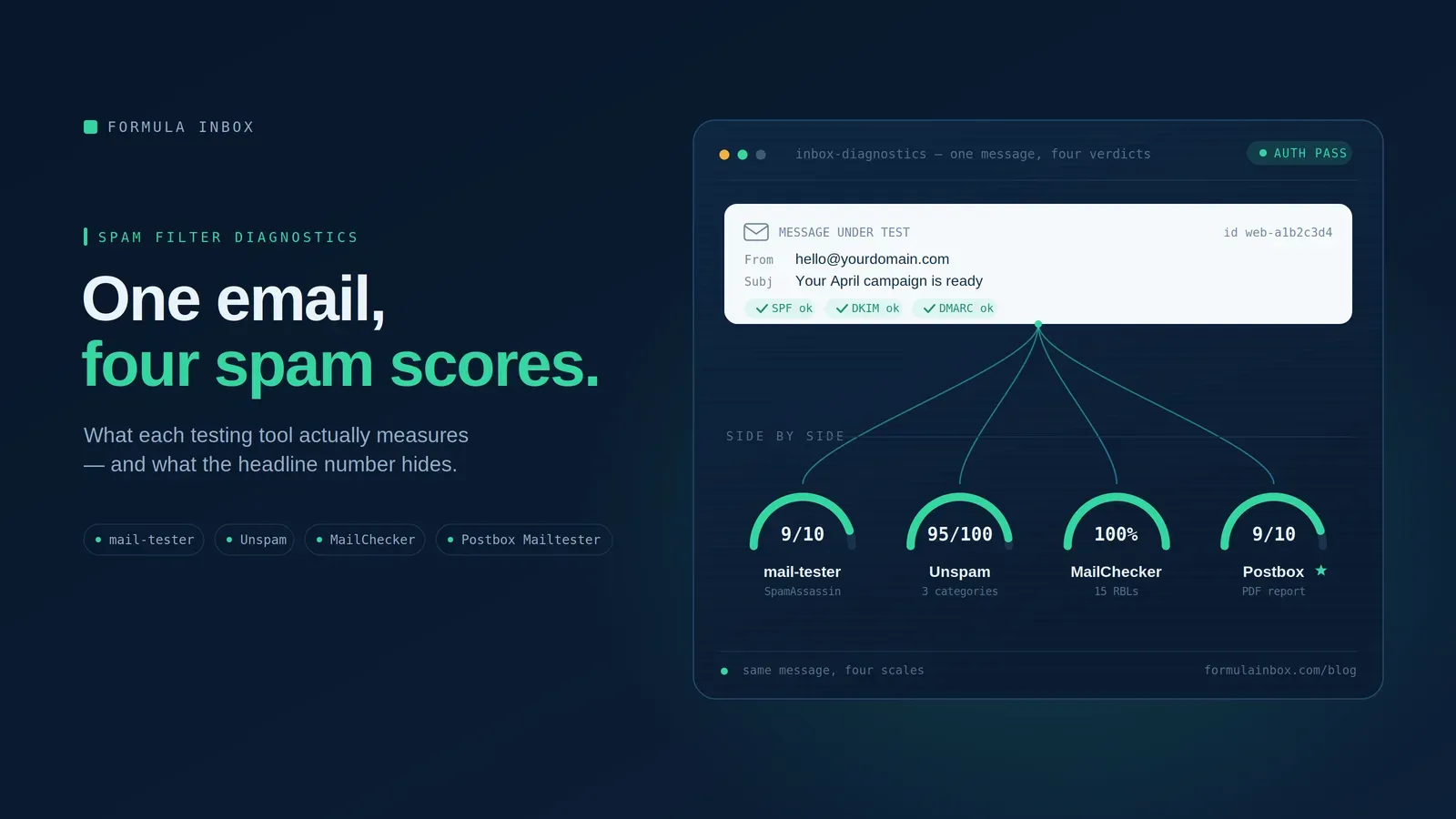
Spam score checkers are a different kind of test. They look at the message and your technical setup, not at where a real send landed. Our comparison of spam testing tools covers what those tools measure and where they stop.
Worked example
This is an illustrative example, not benchmark data. The numbers are invented to show the arithmetic. They are not typical, good or bad results.
The inputs are 10,000 emails sent, with 45 hard bounces and 130 soft bounces. A seed test on the same campaign used 50 seed addresses: 38 landed in the inbox, 9 landed in spam, and 3 did not arrive.
The last two rows use the same seed test with different denominators, so they give different numbers.
Compare the delivery rate with the inbox placement rate. Almost every email was accepted, yet in this sample about one delivered copy in five went to spam. The bounce data alone would never show that.
Where provider data comes from
Bounce and delivery numbers come from your sending platform. Placement estimates come from seed tests. Mailbox providers also report their own data: Gmail through Google Postmaster Tools, and Microsoft through SNDS and JMRP. Those dashboards report complaints and compliance rather than bounces, so they belong in your monitoring routine.
Watching these numbers over time
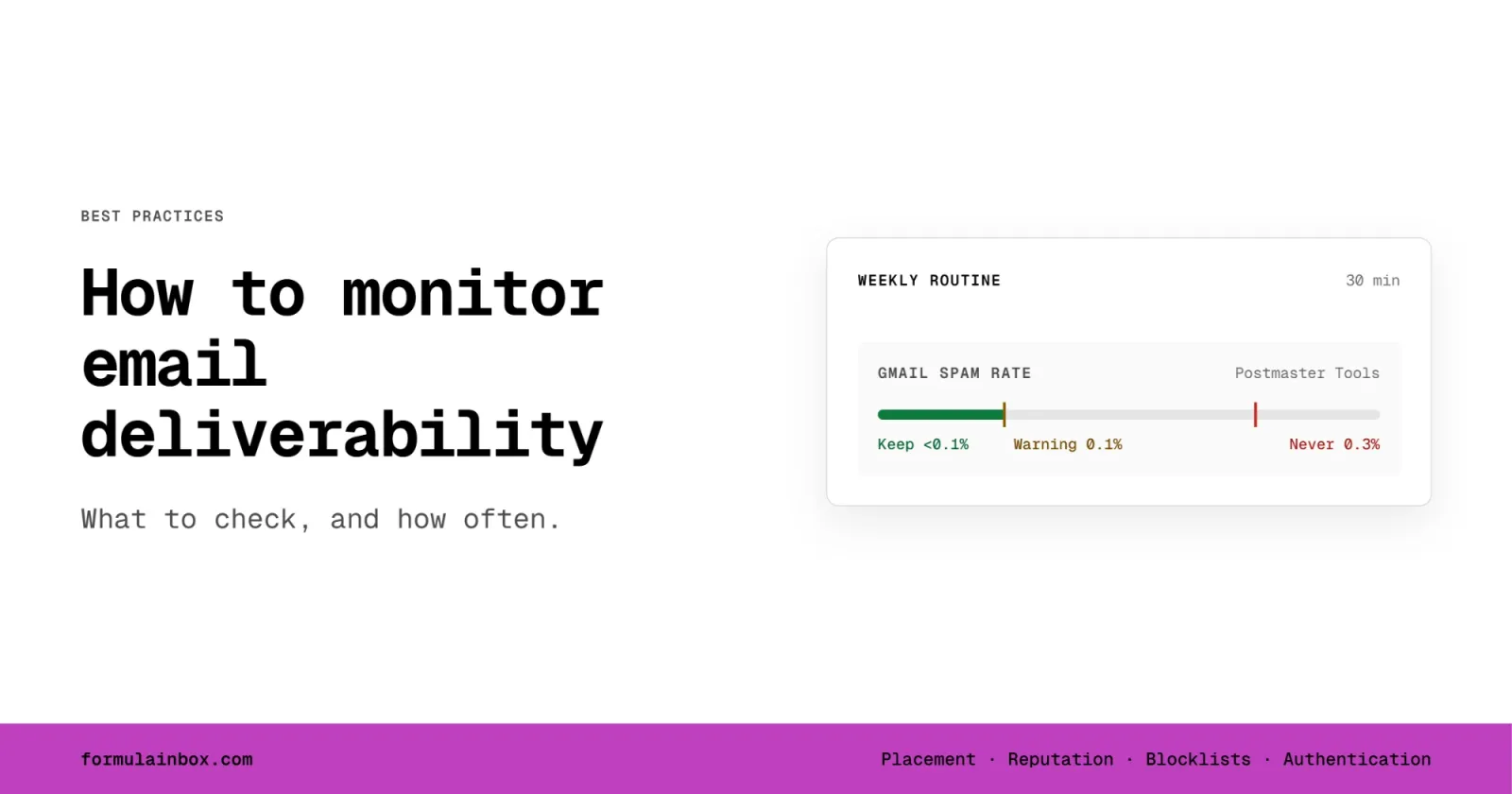
Calculating these numbers once tells you little. For which signals to check, how often, and a 30-minute weekly routine, see our guide to how to monitor email deliverability.
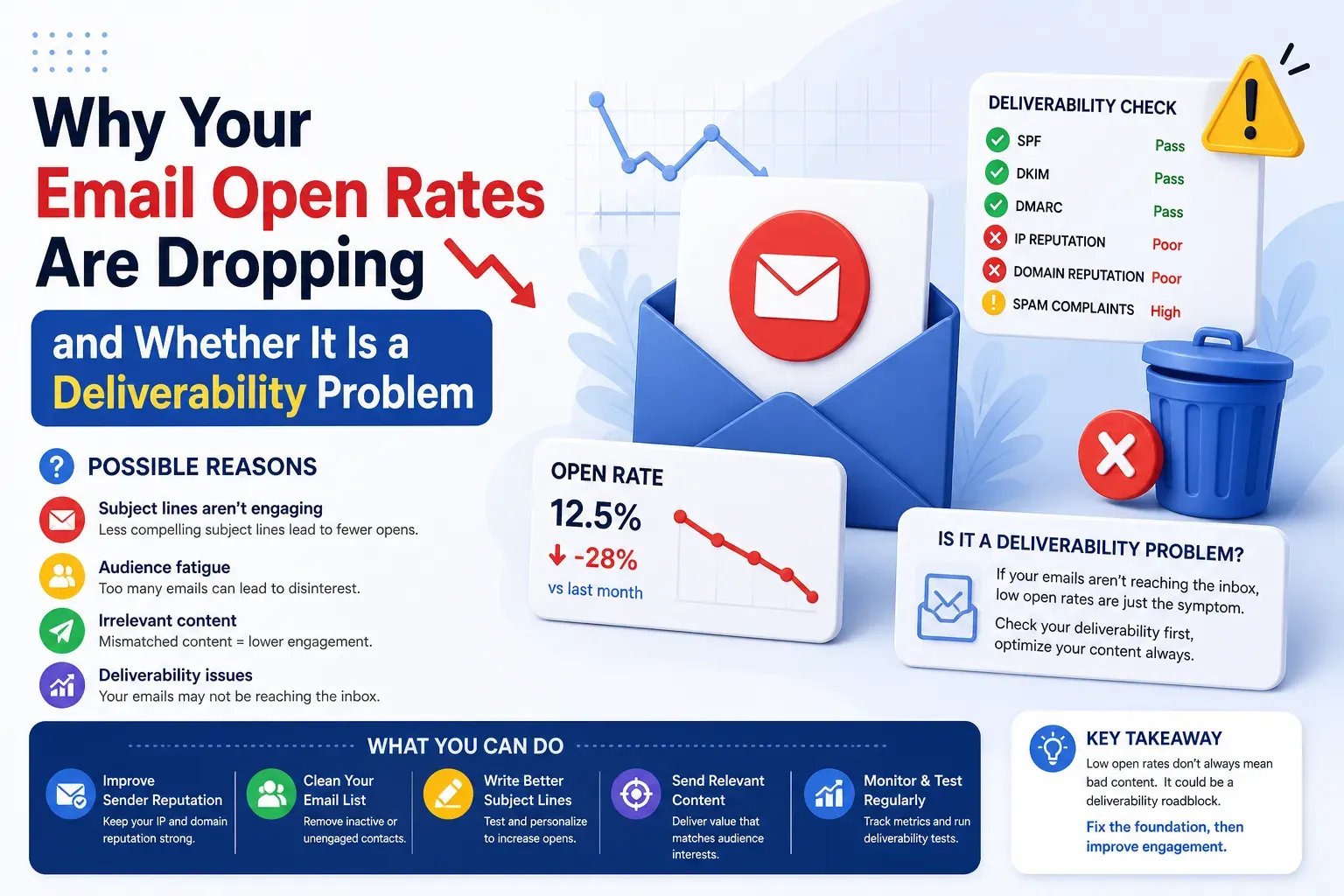
Bounce rate and inbox placement are two of several numbers worth watching. The rest are in our guide to the email deliverability metrics that tell you if your emails are working. If you would rather have someone watch these numbers for you, that is what ongoing deliverability support and monitoring covers.
To see where your mail lands today, run a free deliverability assessment. It includes a live inbox placement test.