Email sender reputation is the trust that mailbox providers like Gmail, Outlook and Yahoo place in your sending domain and IP addresses, based on how your past email has performed. A strong reputation gets your email into the inbox. A poor one sends it to spam or gets it rejected, no matter how good the message is.
Inbox providers don't just look at your content. They look at you: your domain's history, your sending behavior, how recipients have responded to your previous messages, and many other signals. Together, these signals make up your sender reputation.
The rules have also tightened. Google and Yahoo introduced stricter sender requirements in February 2024, and Google's sender guidelines FAQ says Gmail began ramping up enforcement in November 2025, with temporary and permanent rejections for mail that doesn't comply. Microsoft started enforcing its rules for high-volume senders on May 5, 2025. If your reputation is poor, these providers will filter your email before it ever reaches a person.
What Email Sender Reputation Actually Is
Email sender reputation is a trust score that mailbox providers assign to your sending domain and, separately, to your sending IP address. Think of it like a credit score for email. Just as a lender checks your financial history before giving you a loan, a mail server checks your reputation before delivering your email.
Each provider keeps its own score and doesn't publish it. You can't log in anywhere and see your Gmail or Outlook reputation as a number. What you can see are the signals that feed it, such as your spam complaint rate, bounces and blocklist status, plus a few third-party scores covered below.
For most senders today, domain reputation matters more than IP reputation. If you switch to a new IP address, your domain carries its history with it. This matters for businesses that change email service providers without planning for reputation continuity. A new platform doesn't give you a clean slate.
A poor reputation doesn't always show up as a hard bounce or an obvious error. Often emails simply disappear. They get silently filtered. Recipients never see them. Open rates fall. Replies dry up. And you're left wondering what went wrong.
The Seven Factors That Determine Your Sender Reputation
1. Email Authentication
SPF, DKIM and DMARC are the non-negotiable baseline. Gmail and Yahoo require all three from bulk senders, and Microsoft requires all three from domains sending more than 5,000 emails a day to Outlook.com, Hotmail and Live addresses. Mailbox providers treat unauthenticated email as suspicious. If these records aren't set up correctly, no amount of list hygiene or great content will save you. Our guide on how to set up SPF, DKIM and DMARC walks through each record if you need to start there.
2. Spam Complaint Rate
Every time a recipient marks your email as spam, it sends a direct negative signal to their mailbox provider. Google asks senders to keep the spam rate shown in Postmaster Tools below 0.10% and never let it reach 0.30%. Yahoo also sets 0.3% as the limit for bulk senders. Monitor your complaint rate through Google Postmaster Tools for Gmail traffic and Yahoo's Complaint Feedback Loop for Yahoo traffic.
3. Bounce Rate
Hard bounces occur when an email address doesn't exist or is permanently inactive. They damage your reputation quickly, because they show providers you're mailing addresses you never verified or haven't cleaned. Mailbox providers don't publish a bounce limit, but a common rule of thumb is to keep hard bounce rates below 2%. Remove hard bounces immediately after each campaign.
4. Engagement
Clicks and replies are positive signals. They tell inbox providers that your recipients want your emails. Low engagement, particularly sending to people who consistently ignore or delete your messages without opening them, is a negative signal that over time teaches providers to trust your domain less.
Treat open rates with caution. Apple's Mail Privacy Protection loads images automatically, which records an "open" whether or not the person read the email. Our guide to why open rates are dropping explains how to read them now, and our post on how engagement affects deliverability covers how to fix low engagement.
5. Sending Consistency
Sudden spikes in sending volume look suspicious. If you normally send 500 emails a day and suddenly send 50,000, spam filters will flag that behavior. Build volume gradually, especially on new domains or IP addresses. This process is called warming, and it applies to domains as well as IPs.
6. List Hygiene
Spam traps are email addresses that have never belonged to a real person, or that were abandoned and repurposed to catch senders with poor practices. Hitting spam traps is a serious reputation event. Clean your list regularly using an email validation service and remove any address that bounces hard or hasn't engaged in six months. Our list management and hygiene guide covers how to set this up.
7. Blocklist Status
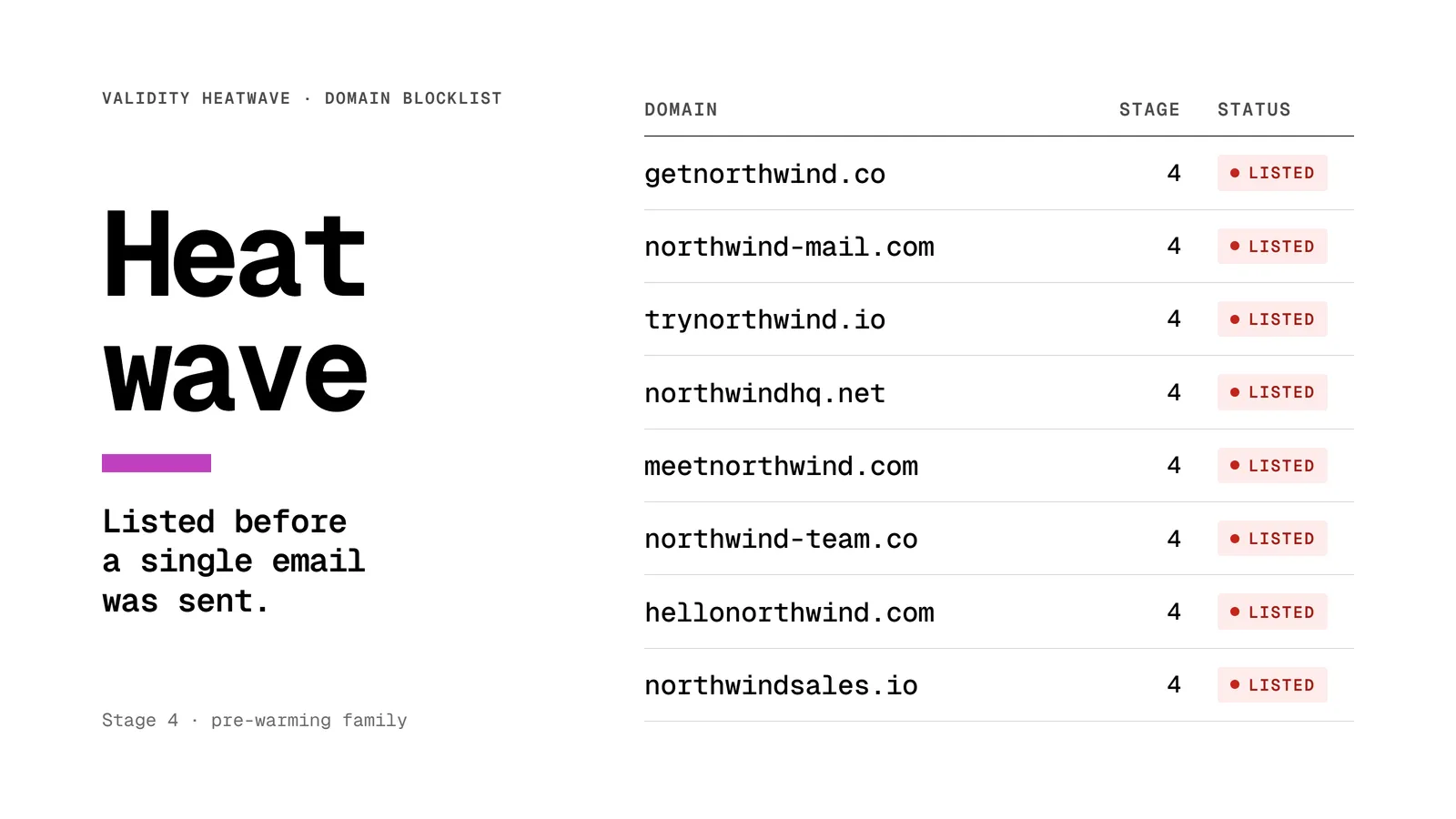
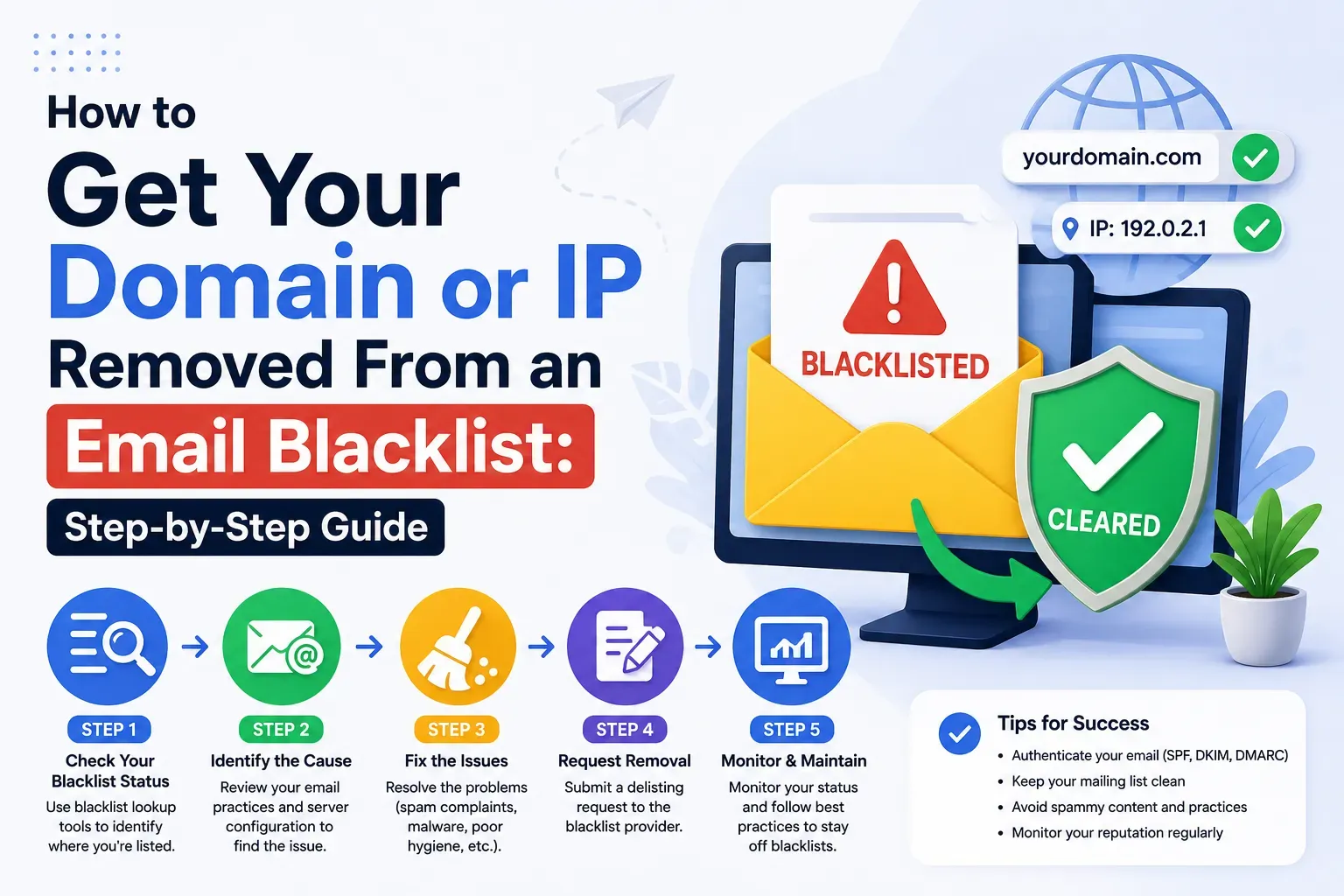
If your domain or IP has been added to a major blocklist, inbox providers may block or filter all your email regardless of other factors. Check your blocklist status regularly. If you've been listed, read our guide on email blocklists and how to get off one to understand the delisting process.
How to Check Your Sender Reputation
No single tool shows your full reputation. Each one shows part of it, so use several together.
What the numbers mean
Google Postmaster Tools. The current version of Postmaster Tools no longer shows the old High, Medium, Low and Bad domain and IP reputation ratings. Watch the Spam rate and Compliance status dashboards instead. A spam rate under 0.10% with every compliance check passing is where you want to be. Our Postmaster Tools guide explains each dashboard.
Sender Score. Validity says a score below 70 means one or more of the metrics behind it exceeds the thresholds mailbox providers accept. Sender Score rates IP addresses only. If you send from a shared IP at an email platform, the score reflects every sender on that IP, not just you.
Microsoft SNDS. SNDS works by IP, not by domain. If you send through a shared IP pool, you usually can't see that data yourself, and inbox placement testing becomes your main signal for Outlook.
How to Improve Your Email Sender Reputation
Start With Authentication
If SPF, DKIM and DMARC aren't in place, do that first. Nothing else will have lasting impact without a proper authentication foundation.
Clean Your List
Remove anyone who hasn't engaged with an email in the past three to six months. Remove hard bounces immediately. Run your entire list through an email validation service before your next campaign. This single step often produces the fastest visible improvement in delivery rates.
Reduce Your Complaint Rate
Make it easy to unsubscribe. Gmail and Yahoo require bulk senders to support one-click unsubscribe for marketing and subscribed messages, and a visible unsubscribe link in every email reduces the number of people who hit the spam button out of frustration. Only send email to people who have explicitly agreed to receive it. Never purchase lists.
Warm Up Gradually
If you're starting a new sending domain or returning after a period of inactivity, warm up slowly. Begin with 50 to 100 emails per day to your most engaged recipients, then double the volume roughly every week as long as engagement remains healthy.
Monitor Continuously
Reputation problems are much easier to fix when you catch them early. Check Google Postmaster Tools weekly. Set up alerts for blocklist additions. Run a free inbox placement test regularly to see how your emails are landing across Gmail, Outlook and other major providers. Our guide on how to monitor email deliverability sets out what to check and how often.
Recovery takes time. Google notes that a spam rate can take up to 7 days to show improvement after you fix the cause, and a reputation built over months won't fully recover in a week.
When Reputation Problems Require Expert Help
Some reputation issues go beyond what routine hygiene can fix. You need a structured remediation plan if:
- You're listed on multiple blocklists
- Your Gmail spam rate stays above 0.30% after you've cleaned your list
- Your inbox placement has collapsed even though authentication passes
Our email deliverability audit covers your entire sending environment and gives you a prioritized roadmap to fix it.
Frequently Asked Questions
What is a good email sender reputation?
There's no single public score, because each mailbox provider keeps its own. In practice, a good reputation means a Gmail spam rate under 0.10%, every Postmaster Tools compliance check passing, no blocklist listings, and inbox placement tests landing in the inbox at each major provider.
How do I check my sender reputation for free?
Use Google Postmaster Tools for Gmail, Microsoft SNDS for Outlook if you send from your own IPs, Yahoo Sender Hub for Yahoo complaints, and MXToolbox for blocklists. Sender Score and Talos Intelligence give free third-party reputation ratings for your sending IP.
What is the difference between domain reputation and IP reputation?
IP reputation is tied to the server address your email is sent from. Domain reputation is tied to the domain in your From address and DKIM signature, and it follows you when you change IPs or email platforms. For most senders, domain reputation now carries more weight.
How long does it take to fix a bad sender reputation?
Google says a spam rate can take up to 7 days to recover after you fix the cause. A damaged domain reputation usually takes several weeks of consistent, low-complaint sending to engaged recipients to rebuild, and longer if you're also working through blocklist removals.
Does changing email service providers reset my sender reputation?
No. A new provider may give you new IP addresses, but your domain keeps its history. If your domain has a poor reputation, moving platforms won't fix it, and a sudden volume spike on new IPs can make it worse.